SOPs Are Supposed to Help—But They Don’t
In this article
- Inspect the centrifuge for visible damage (include a photo of wear points).
- Set the rotor speed (add a table of speeds for different samples).
- Balance the tubes (note: uneven tubes cause vibration—here’s how to fix it).
SOPs are supposed to make labs run smoothly. They’re supposed to ensure compliance, consistency, and safety. But most labs find SOPs are a burden, not a solution.
Here’s why SOPs don’t work today and how to fix them.
1. They’re Outdated Before They’re Updated
SOPs need constant updates. Regulations change. Processes evolve. Many labs still use static, paper-based SOPs. By the time they update and distribute a new version, it’s already old.
The Fix
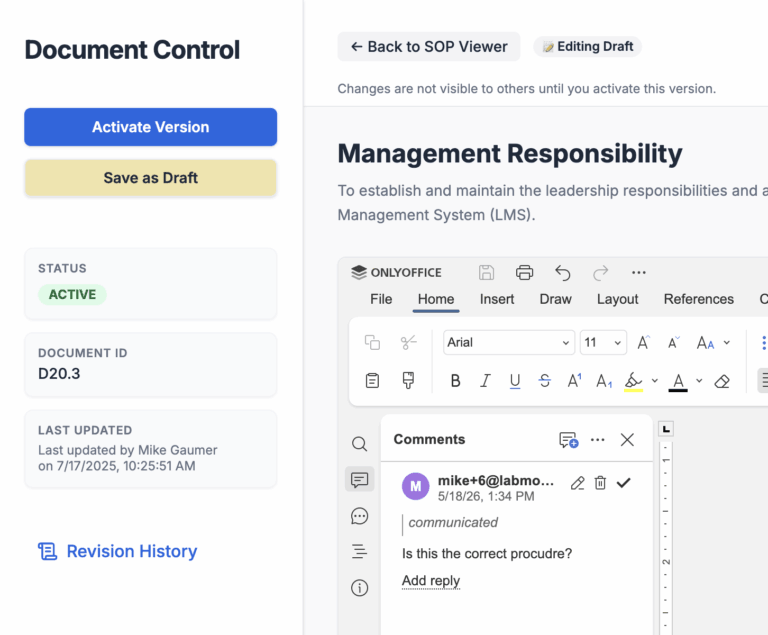
Move your SOPs to a digital system with version control. Updates happen instantly. Everyone gets the latest version without manual work.
2. Nobody Knows Where the Latest Version Is
Version control is a big problem. People print out old SOPs or save them locally. This leads to errors, inconsistency, and compliance risks.
The Fix
Centralize all SOPs in one place. Make them accessible to everyone in the lab. No more guessing which version is correct.
3. SOPs Are Too Long and Hard to Use
SOPs are written like legal documents. They’re full of jargon and details. Techs don’t have time to read pages of instructions before doing a task. Mistakes happen because the format doesn’t work for execution.
The Fix:
Create tactical workflows to go with your SOPs. Workflows break tasks into step-by-step actions techs can follow. Include visual aids, like diagrams or videos, for complex steps. Add troubleshooting tips for common problems. For example:
- Inspect the centrifuge for visible damage (include a photo of wear points).
- Set the rotor speed (add a table of speeds for different samples).
- Balance the tubes (note: uneven tubes cause vibration—here’s how to fix it).
Workflows turn SOPs into tools techs can actually use.
4. Tracking SOP Compliance Is a Nightmare
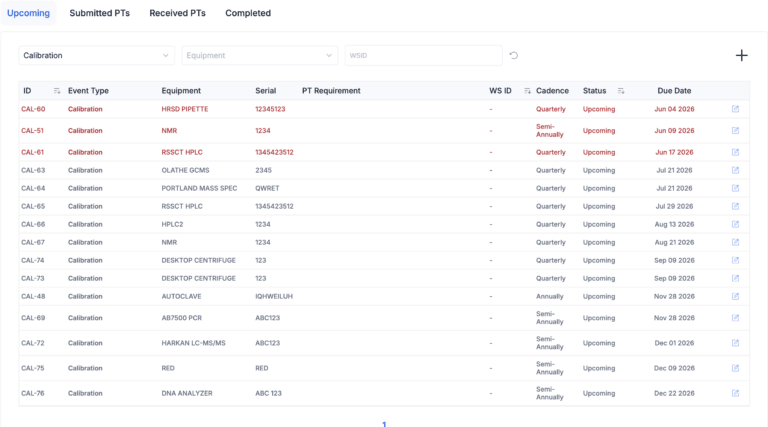
Auditors want proof that your team has read and followed SOPs. Many labs still use paper logs or spreadsheets. It’s time-consuming and unreliable.
The Fix
Automate compliance tracking. Use software that logs who has reviewed SOPs and sends reminders to those who haven’t. This makes audits easy and stress-free.
5. SOP Training Falls Through the Cracks
SOPs are only useful if people know how to follow them. Training is often inconsistent. There’s no system to track who’s trained or what’s missing. This causes mistakes and compliance issues.
The Fix
Tie SOPs to training programs. Notify team members when a new or updated SOP requires training. Track completions automatically. Always know who’s trained and who isn’t.
6. SOP Reviews Take Forever
Periodic reviews are critical for compliance, but the process is inefficient. Approvals take too long. Updates get stuck in limbo.
The Fix
Automate review workflows. Set up reminders for SOP reviews. Use a system that tracks the approval process and shows where things are stuck.
7. SOPs Are Hard to Access When They’re Needed
Techs don’t have time to search through binders or shared drives for SOPs. When they can’t find the right document quickly, they make assumptions, and mistakes happen.
The Fix
Make SOPs searchable and mobile-friendly. A cloud-based system lets techs find what they need in seconds from any device.
SOPs Need to Evolve
SOPs are broken because they’re built for compliance, not action. Labs need to modernize. By adding tactical workflows, automating reviews, and centralizing storage, SOPs can finally become tools that drive efficiency and compliance—not headaches.